Alas, my Microsoft Surfacebook (the original), one of the best machines I’ve owned in years, has started to get yellow splotches on the screen (see image below). So, I said, I’ll keep using it until it dies. But then I read the Microsoft website.
If within 3 years of purchase, Microsoft has been replacing these where the battery swelling has caused the screen to separate free of charge. If you are in the US, you should go to the closest physical retail Microsoft Store https://www.microsoft.com/en-us/store/locations/find-a-store – outside the US, contact support https://support.microsoft.com/en-us/help/4051701/global-customer-service-phone-numbers.
If the screen has separated, it is NOT safe to use this device while plugged into AC.
Anyways, I’m way past warranty and time to look for alternatives. I found quite a few laptops (e.g. Alienware from Newegg was one possible winner) I would love to own, but none of them are free.
Here’s a hint of what I ended up doing:
 |
| Image Source: Bunsen Labs GNU/Linux |
In Memoriam: MS SurfaceBook
A quick look back. I remember the first time I saw a Microsoft SurfaceBook. I have to admit, it had me at hello. It was such a beautiful machine, well-designed and put to shame my Macbook Air (which was my favorite machine before Apple ruined them).
When I had the chance, I bought a SurfaceBook (prob back in early 2016) since I’d need a portable laptop for my new position at the time. It did everything I asked of it, including run GNU/Linux alongside Windows 10.
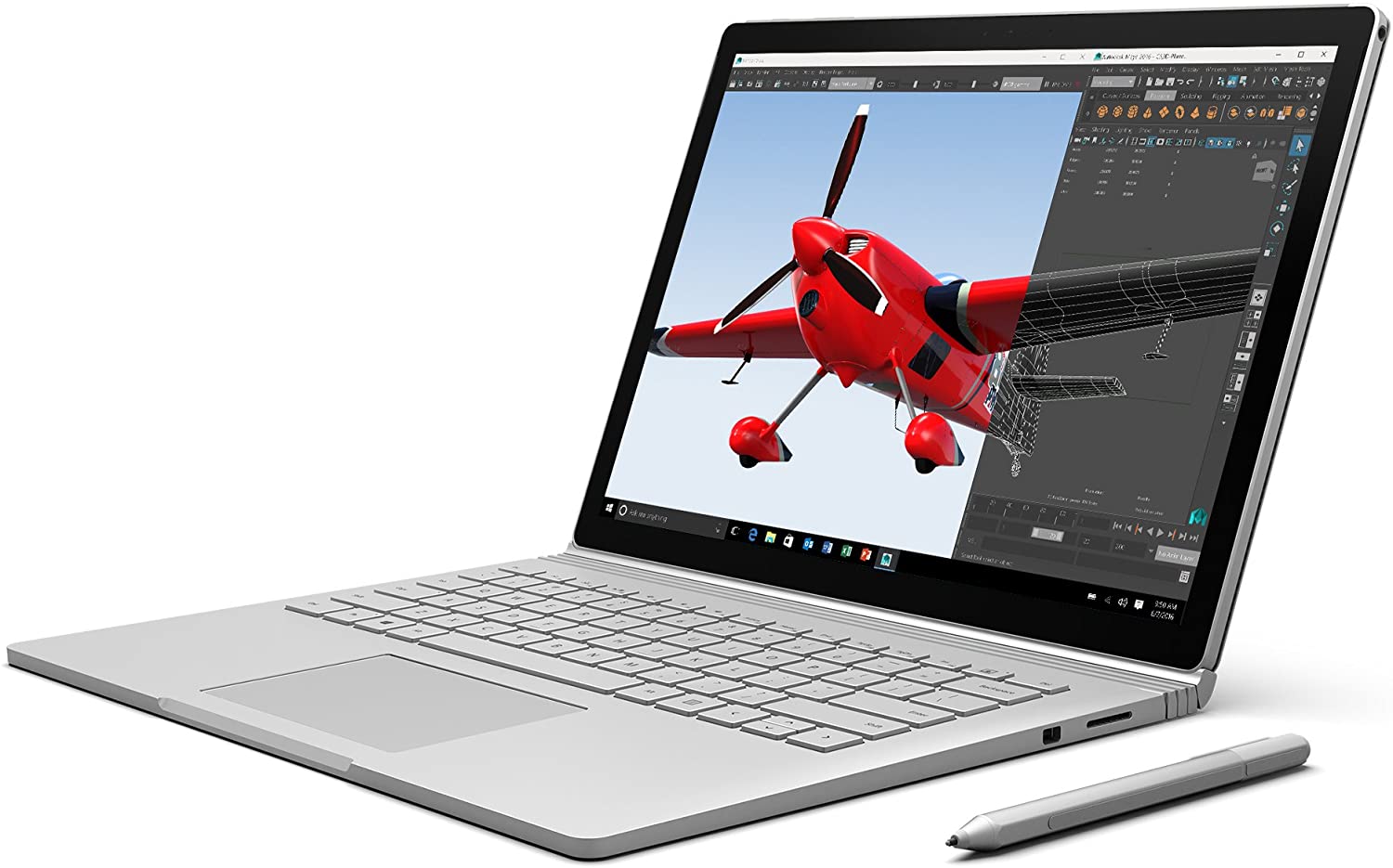 |
| Microsoft SurfaceBook |
But then, the yellow tinted splotches turned up. They look like what you see below and in the same place:
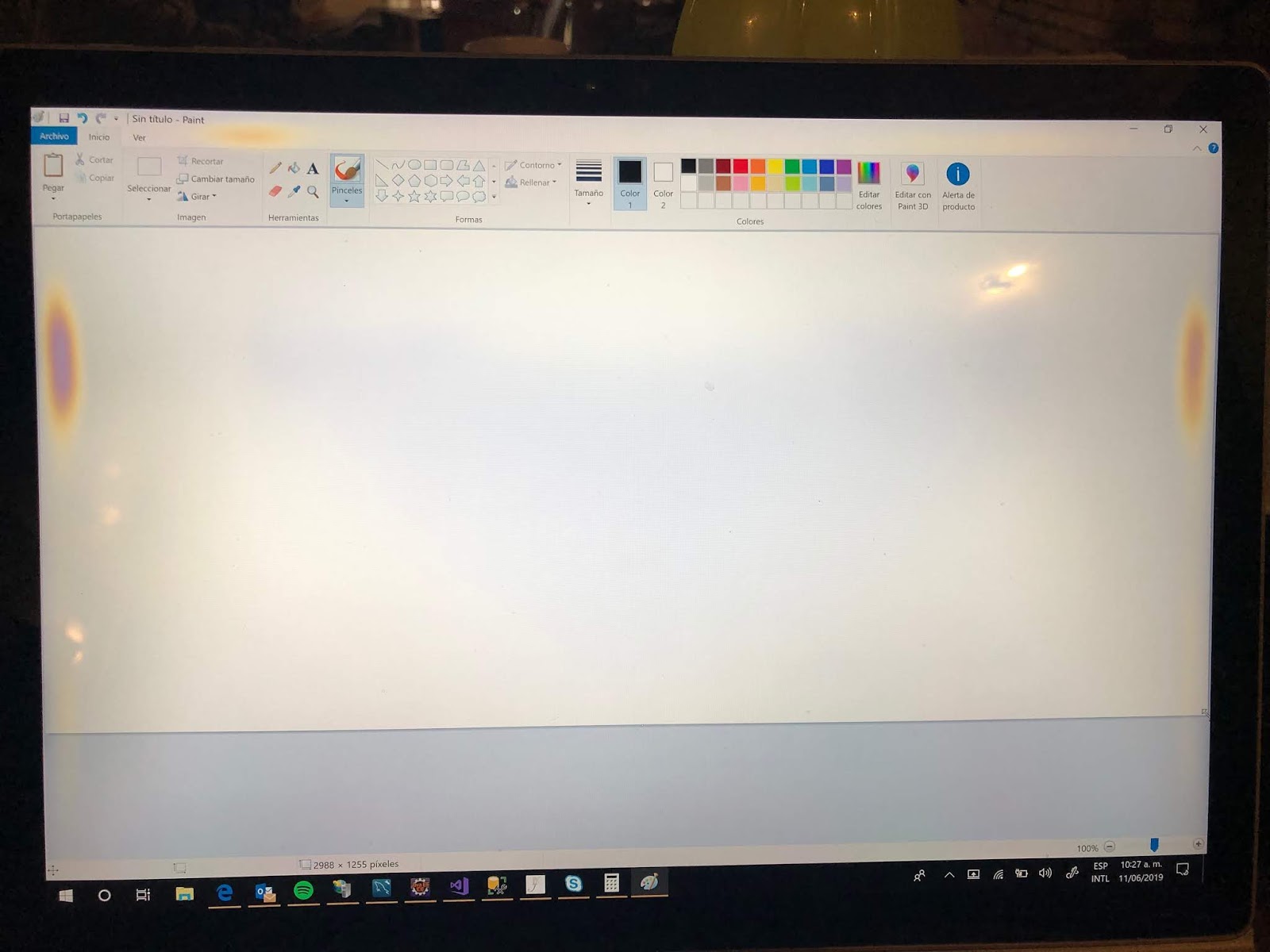 |
| Photo Credit: Microsoft |
Since the yellow splotches turned up, I had considered buying a new laptop, perhaps a Dell Alienware, when my wife pointed out it was the start of a pandemic. I might need to invest precious funding in who knows what (e.g. kids in college, whatever) or toilet paper to trade for survival if the situation worsens.

That’s hilarious. Baggies of toilet paper.
What Options?
So, I took a long hard look at a Dell laptop (AMD A6) that’s now worth $250 on Amazon. I had paid twice that when I bought it way back when, so I should be grateful it has some value (although I wouldn’t pay $250 for it now). It doesn’t run Windows 10, and Windows 8 was questionable.
Given that it was headed for the trash heap, I decided to wipe Windows completely off, repartition, and load Bunsen Labs GNU/Linux (Debian). Wow, what a difference. I mean, it’s not slow. In fact, it’s snappier running GNU/Linux than my Surfacebook is doing the same. Obviously, it can’t compete on Windows 10, but with Bunsen Labs, it’s a new lease on life.
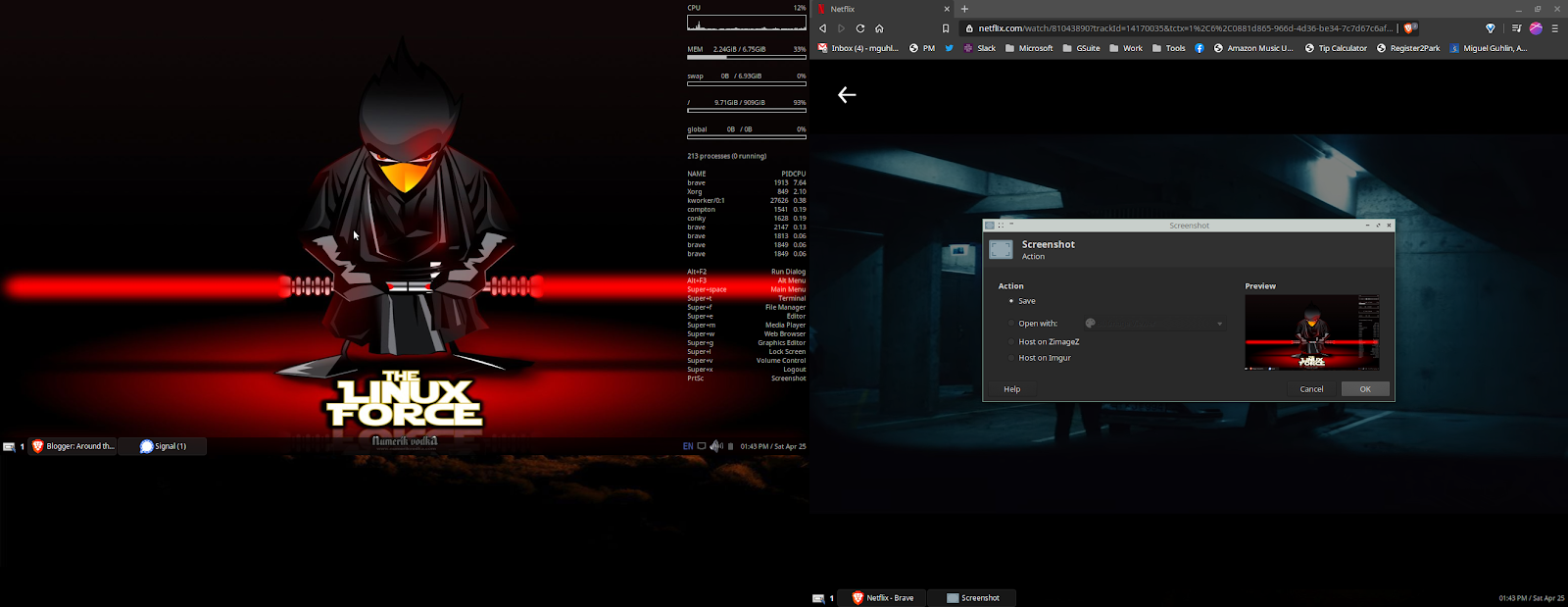 |
| You can see the two screens. The left is the laptop, the right is the external monitor. I get a chuckle over how old this equipment is and how well it works with a free, open source operating system like Bunsen Labs. |
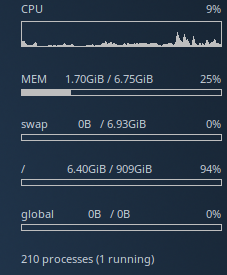
I’m happy to report that this 2014 laptop (er, that’s SIX YEARS OLD, well into OBSOLETE STAGE for a laptop) does 95% of what I need it to do. It’s feels like an i5 processor in terms of speed, 8 gigs of RAM, 1 TB hard drive, and Bunsen Labs simply flies on it. That is definitely to Bunsen Labs GNU/Linux credit. Kudos to them.
A bit more about the obsolete laptop:
- 15.6 inch LED Backlit Display with Truelife and HD resolution (1366 x 768)
- AMD A6-6310 1.80 GHz Quad-Core Processor with Radeon R4 Graphics
- 4GB Single Channel DDR3L 1600MHz (4GBx1), 1 TB Hard Drive, Tray load DVD Drive (Reads and Writes to DVD/CD)
- Dell Wireless-N 1705 high-speed wireless LAN (802.11n), HDMI, USB 3.0 (1), USB 2.0 (2), security slot, media card reader (SD, SDHC, SDXC), non-backlit keyboard
Windows 8.1 operating system (Free Upgrade to Windows 10)
Inventorying My Computing Needs
After a quick inventory of what I need a home computer to do during pandemic, it boiled down to this software:
- Latest Brave, Chromium and Firefox browsers…these run like champs.
- Mozilla Thunderbird email program
- Zoom.us and Google Meet
- Note: I honestly expected a bit of trouble with Zoom and it works great! Exact same experience as on Surfacebook in Windows 10. There is one problem but that’s with my old style webcam, not the Zoom software. Kudos to Zoom folks.
- Allow recording of desktop via OBS, both video and audio
- Signal Desktop
- Access external USB drives formatted as NTFS
- Accept my USB hub with
- ethernet,
- mouse,
- headset/mic,
- external 101E keyboard
- Plug into an old Dell monitor that serves as a second screen
- Snapd and Snap Store needed for:
- hello-world which turned out to be essential for loading Core and Core18, which were problematic until I loaded this. Go figure.
- Signal Desktop for encrypted communications
- YouTube-dl
- I occasionally need to grab YouTube videos and/or convert them to MP3 format. This guide turned out to be everything I needed.
- Some commands:
- Get video: /usr/local/bin/youtube-dl
- Get audio: /usr/local/bin/youtube-dl -x –audio-format mp3
- Compression Tool Installation
- sudo apt-get install unace rar unrar p7zip zip unzip p7zip-full p7zip-rar sharutils uudeview mpack arj cabextract file-roller
- Miscellaneous Commands and Installs
- Edit (nano/geany) ~/.config/openbox/autostart and add:
- synclient VertEdgeScroll=1 HorizEdgeScroll=1 TapButton1=1 2>/dev/null
- syndaemon -i .5 -K -t -R -d &
- sudo apt-get install wipe bleachbit : This installs a file/folder wipe tool for secure removal. You can also install bleachbit for free space wipe.
- sudo apt-get install ffmpeg
- Chrome Sandbox
- Had a few problems with this, so I ended up having to try out different solutions while installing AppImage program, Mark Text (my preferred markdown editor for writing)
- This website presented several solutions, and this is what I ended up using to deal with the sandbox error…not sure which fixed the issue, but I had tried the first two commands first, then the last one appears to have worked?
sudo chown root chrome-sandbox
This did NOT worksudo chmod 4755 chrome-sandbox
This did NOT work- sudo sysctl kernel.unprivileged_userns_clone=1
This worked great!
A Few Disappointments
Wrap-Up
Discover more from Another Think Coming
Subscribe to get the latest posts sent to your email.
 Another Think Coming