A district-level administrator has a GoogleSheet with 500 Social Security Numbers for students and they accidentally drag it into a publicly shared GoogleDrive folder. A data breach has just occurred. What happens next?
If you take advantage of the right solution–like those reference in this email below–you can mitigate the negative effects of these “accidents.” But are these solutions even necessary? You decide.
This video from SysCloud, one of the vendors which I mention below, covers the basics of concerns:
Do you have the technology in place to catch that error? Here are two possible solutions, but they aren’t the only ones….
Solution #1 – CloudLock
MyNotes
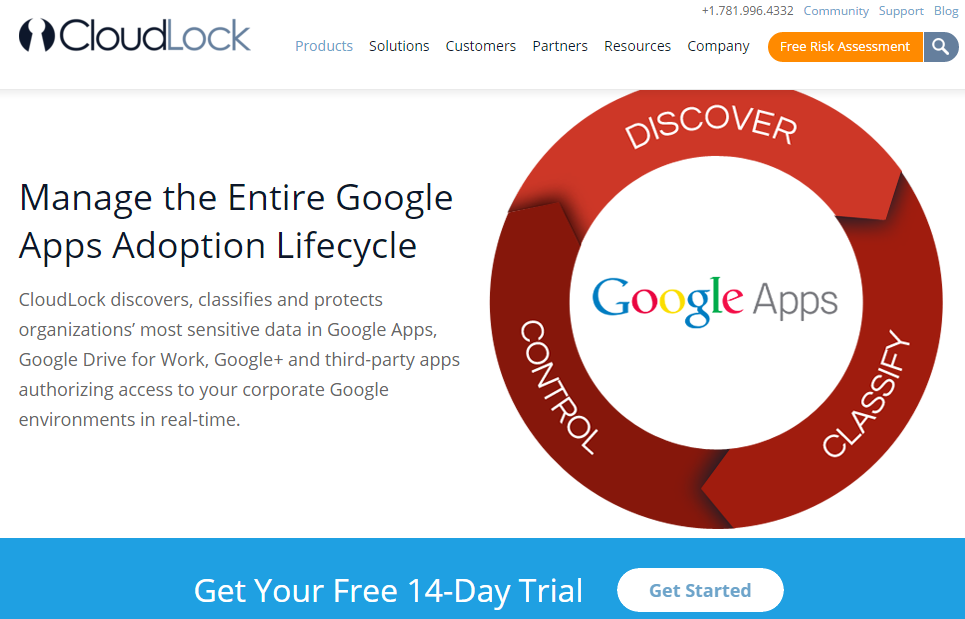 |
| Find out more online at https://www.cloudlock.com/products/google-apps/ |
- Several organizations use CloudLock to protect their content in mergers and acquisitions to safeguard data, as well their own internal data.
- Many organizations–some of the ones mentioned included GSA, BBVA, 100s of colleges/universities, Texas Technical College, Austin Community College, DART in Dallas, 250 K-12 schools (Lufkin ISD)
- 91,000 apps discovered that students can sign-in with Google
- 10 million users
- 1 billion files monitored
- One example shared was Kaizena – it allows students to use their GoogleApps login to get into apps that may be compromised in the future.
- Kim Kardashian app breach used as an example.
-
10 critical controls
- Promote digital citizenship and end-user awareness
- student welfare
- objectionable lang and content
- students sharing externally and domain wide
- public or domain wide sharing of student records
- staff sharing student info externally
- PII + student record information handling
- IEP information handling
- Discover and control 3rd Party apps
- Encrypting sensitive and confidential data in Google Drive
- Controlling against VPN (qualifies as suspicious behavior by students). They use these to get around network firewalls.
- CloudLock recommends focusing on these areas for cloud security:
- Compromised accounts
- cloud malware
- sensitive data
- compliance
- security administration
- Cost-free, commitment-free commitment available.
Solution #2 – SysCloud

MyNotes from their Document
- Some of their core features include:
- Granular Level Control: Flexibility to create policy scopes at every level for greater policy control
- Document Policy Security: Implement granular data access controls through security policies
- Manual Control: Administrators can unshare or take complete control without waiting for user to take action
- Document Sharing Visibility: Gain visibility into users, documents and internal/external sharing of your data
- Messaging: Customizable messaging templates for policy announcements and policy violation notifications
- In-depth Auditing: Keep track of user access and actions with full audit capabilities
- End user exception management portal (self service)
- They provide compliance audit reporting and security policy templates for FERPA, CA 1584, HIPAA, PCI, CIPA
- They provide online backup of all GoogleApps accounts and the ability to export them as PST files which can be opened with Mozilla Thunderbird and other apps (e.g. MS Exchange)
- SysCloud Backup software is secured with a Starfield Technologies SSL Web Server Certificate. Transactions on the site are protected with 128-bit Secure Sockets Layer (SSL) encryption.
- Complete data backup is done under a secured channel. The inbound data from source domain is completely encrypted using 512 bit encryption and stored in the destination.
- Software connects to the domain Google API servers using OAuth and doesn’t require any passwords to the source email accounts.
- Hosted by Amazon (AWS)
Discover more from Another Think Coming
Subscribe to get the latest posts sent to your email.
 Another Think Coming