 |
| Source: https://goo.gl/Jdzc8r |
Are you a “just-in-time” learner? If not, you need to be! Two situations in the last few days have brought home again how important it is to be able to sift through online content then solve a problem by applying it.
SITUATION #1: LOCKED OUT OF A COMPUTER
“What do you mean you forgot your password?” I challenged a colleague. He’d just bought a new Windows 8.1, super fast, gaming machine–the keyboard had red lights on it, blinding fast graphics card–but when he received it, the first thing he did was put a super-complicated password on it…even though he knew I’d be coming over to help him get innoculated/immunized against malware and viruses.
Rather than spend an hour with Ninite.com, installing programs (actually, less than that, Ninite.com a service that makes it easy to select critical free and/or open source software then download an installer that automates the process for you rather than making you do it), I had to spend time figuring out how to “blank” his administrator username and password.
Fortunately, there’s a web site for that. And, I found it fairly quickly, followed the instructions, and voila, all was back on track. The steps for that were simple:
- Put 64bit Ubuntu on a USB flash drive and boot up the computer from flash drive.
- Enable all the software repositories in ubuntu
- Install chntpw (from command line, sudo apt-get install chntpw)
- Mount your Windows drive, switching to Window/Systems32/config then
- sudo chntpw SAM
- Use the options to unlock the Administrator account and then “blank” out the password. If you know the username (“Vince”), then the command would look like this:
sudo chntpw -u Vince SAM

- Yosemite OS Installer (you can do that from here)
- The DiskMakerX AppleScript (get it online at http://diskmakerx.com/)
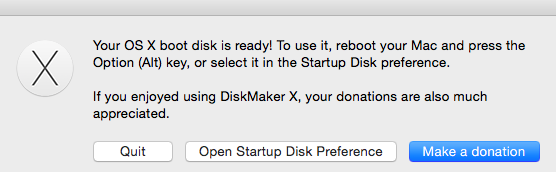
And, you need at least an 8gig USB drive. Wow, what an easy process. At the end, the computer even “roared” like a lion to let me know it was done. I’m not kidding, an actual lion!
Discover more from Another Think Coming
Subscribe to get the latest posts sent to your email.
 Another Think Coming