 |
| Image Source: http://academiclifeinem.com/wp-content/uploads/2012/05/Evernote_Iphone.jpg.png |
Taking a long hard look at my Evernote Notebook organization–zillions of notebooks, lots of tags–I decided to clean house and re-organize. Not only that, I wanted to make publishing Evernote Notebook entries to my Postach.io blogs easier.
The re-organization, inspired by these blog entries in a similar vein, allowed me to greatly consolidate my Evernote Notebooks and tags.
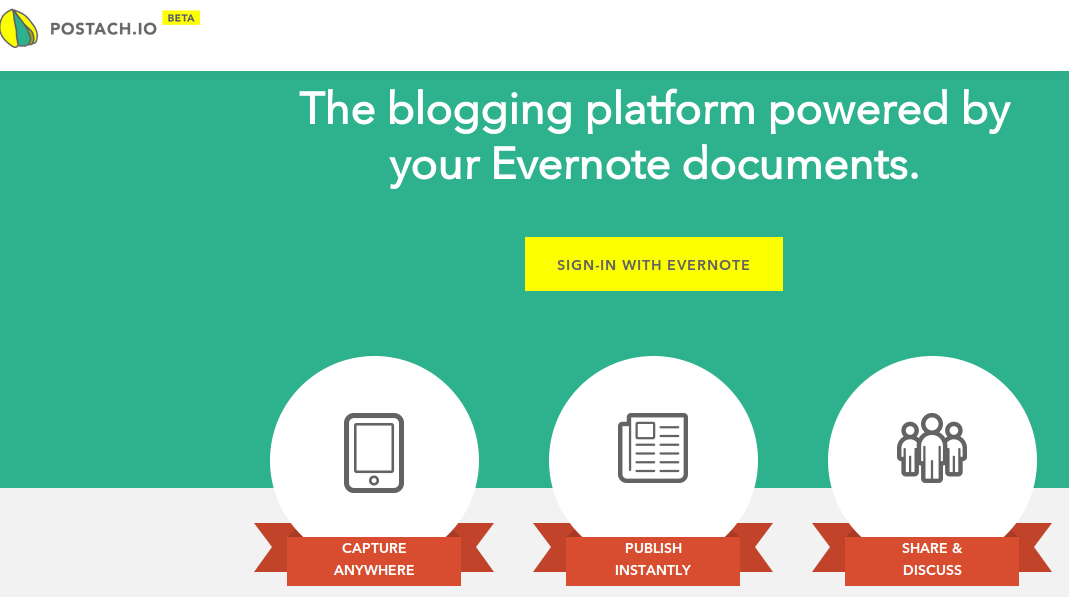 |
| Try Postach.io out if you’d like to quickly blog your Evernote Notes! |
Step 1 – Make Bucket Notebooks for Work, Family, etc.
Keep this list short and sweet. Mine, for example, is:
- clips (default Evernote notebook)
- family
- work
- blog – Anything put in this notebook and tagged will auto-publish to a Postach.io blog:
- saacte13 – if tagged with “saacte13” -> http://saacte13.postach.io
- mg – if tagged “mg” -> http://mguhlin.postach.io
In regards to Postach.io, I like to email notes into Evernote Notebook and tag it appropriately…such as:
To: mguhlin.___@m.evernote.com
From: mguhlin@somewhere.net
Subject: Awesome AppSmash Example @blog #saacte13
That email will end up in the blog EvernoteNotebook and be tagged saacte13 which means it will automatically get published in the saacte13.postach.io blog…lots of applications for this in the classroom!
Step 2 – In the body of each Evernote entry, add a Random.org generated tag following this approach:
1. go to random.org
3. paste those into a note. for me, this is one of my “index” notes, so it gets that keyword in the title to indicate it is a “master” list
4. every time you need a code, you just put a short description next to it, and then copy/paste the code into all of the related notes. here’s what mine–i’ve made up the descriptions–looks like:
kus6e – Facebook Picture
3erzx – Furniture inventory
dowu8 – Technology inventory
rwwef – Technical Stuff
tjkk1 – Favorite quotes
5. it’s easy to remember what code goes with what set of notes, because it is all in your master note
This step can take awhile, but is well-worth it since you’ve now made your notes in your “bucket Notebooks” searchable without adding a whole bunch of tags to Evernote (which I hate).
I immediately ended up with about 20 random.org generated tags that were allocated. I organized mine according to Family, Work and sub-sections underneath that. Again, it doesn’t really matter where the note ends up since you can easily find it with a search of your random generated code.
Make Donations via PayPal below:

var _gaq = _gaq || []; _gaq.push([‘_setAccount’, ‘UA-3445626-5’]); _gaq.push([‘_setDomainName’, ‘mguhlin.org’]); _gaq.push([‘_trackPageview’]); (function() { var ga = document.createElement(‘script’); ga.type = ‘text/javascript’; ga.async = true; ga.src = (‘https:’ == document.location.protocol ? ‘https://ssl’ : ‘http://www’) + ‘.google-analytics.com/ga.js’; var s = document.getElementsByTagName(‘script’)[0]; s.parentNode.insertBefore(ga, s); })();
Discover more from Another Think Coming
Subscribe to get the latest posts sent to your email.
 Another Think Coming